 Talk
TalkThe overage you already agreed to

A quota is not a wall. On most AI tools it is a price change, and the change happens without a second signature. Three vendors publish three different defaults for the moment you cross the line.
All three were read against their live documentation on October 25, 2026. The useful question is not what an overage costs. It is who decides whether the work keeps running, and whether anybody has to say yes first.
Zapier holds the work, then bills for it unless you opted out
Zapier's Zap limits page describes a hold rather than a charge. "Your Zap runs will be held, not lost." Zapier stores the trigger data, and held runs can be replayed from Zap History once tasks are available again.
The billing switch lives on a second page, and its default is on. "This feature is enabled by default if you joined Zapier after January 2024." Accounts older than that may still have to opt in.
What happens next needs no decision from you. "If you exceed your plan's task limit, you'll automatically switch to pay-per-task billing for the remainder of your pay period, so your Zap workflows stay on."
The rate itself is not on the page. "Your pay-per-task rate depends on your plan and billing cycle type. Check your Billing settings for the exact rate." We found no published per-task figure on the public help page on October 25, 2026.
There is a ceiling, and it is a multiple rather than a sum. Pay-per-task usage stops at "3 times your plan's task limit". Zapier's own example: a Professional 750 plan tops out at 2,250 tasks.
That is 750 included plus 1,500 billed, by the arithmetic printed on the page. Past that point the workflows stop regardless of willingness to pay.
Turning the feature off has a published consequence in both directions. Workflows "stop running once you reach your plan's task limit", and "any usage accrued before turning the feature off will be added to your next invoice".
GitHub charges by the credit, and a budget stops nothing by default
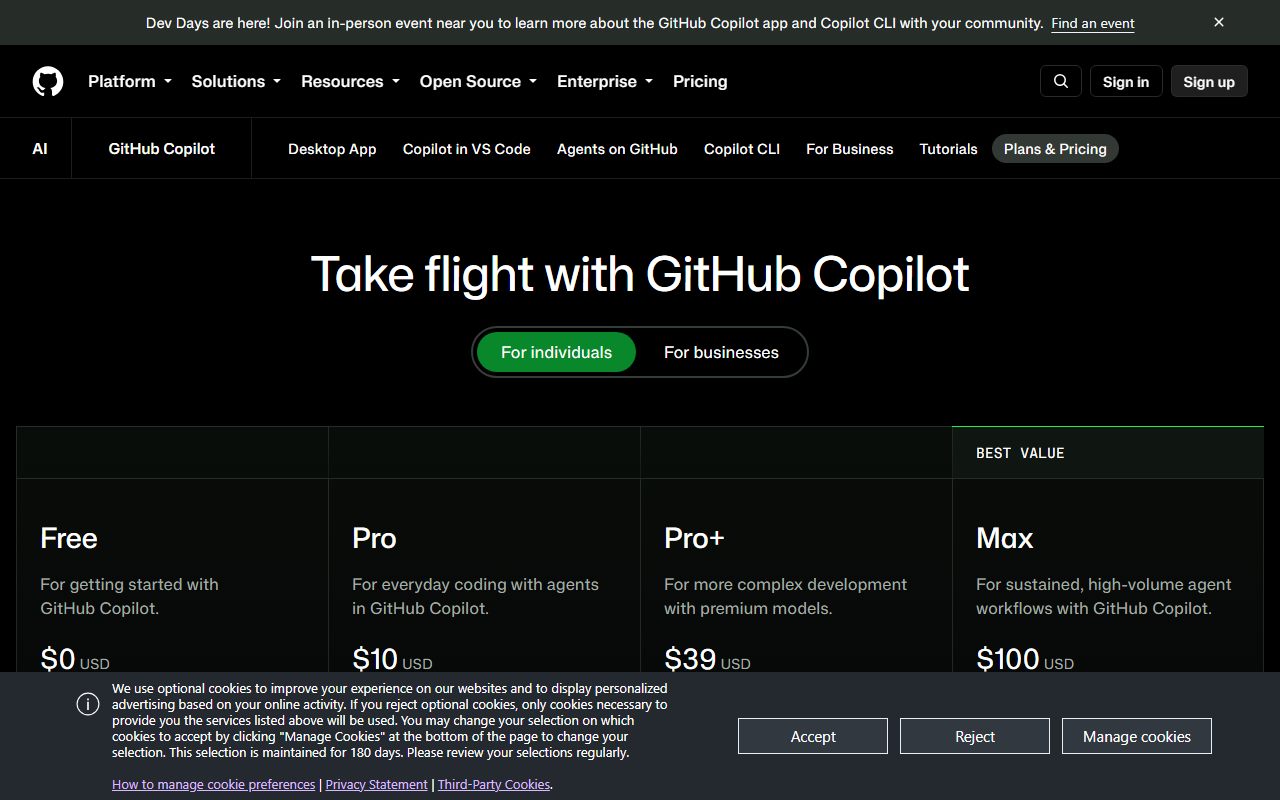
GitHub's Copilot plans page prices the pool and the overflow within a few lines of each other. Copilot Business is "$19 USD" per granted seat per month for "1,900" AI credits. Copilot Enterprise is "$39 USD" for "3,900".
Usage past the pool is "charged at $0.01 USD per AI credit". By our arithmetic from those published figures, the included rate is the same cent: 1,900 credits at $0.01 comes to $19.
So the seat is not a discount against overage. It is a prepayment at the identical unit price, bundled with the features and the licence.
One line of the same page caps the worst case. "Code completions and next edit suggestions are not billed in AI credits and remain unlimited for all paid plans."
The budget documentation is where the default becomes visible. "If you do not select Stop usage when budget limit is reached, you will be notified by email if you exceed your budget, but usage will not be stopped."
One budget type refuses that choice on your behalf. User-level budgets "always enforce a hard stop", and GitHub warns that such a budget "can block a user even when the enterprise or cost center budget still has capacity".
The reverse case is published too. Overlapping budgets mean "if any budget with Stop usage when budget limit is reached enabled is exhausted, additional usage is blocked", which is how a team gets stopped by a limit nobody remembers setting.
Vercel is explicit that a spend cap is not a cap
Vercel's Spend Management page says the quiet part in one sentence. "Setting a spend amount does not stop usage on its own."
Stopping the spend requires a second option, and that option is not subtle. Pausing "the production deployment of all your projects" is how the bill stops, which means the live site stops with it.
The cap is not instantaneous either. Vercel checks usage "every few minutes", and warns that "notifications, webhooks, and project pausing can trigger several minutes after you cross your spend amount".
Its own advice follows from that admission. "Plan for this delay if you are relying on Spend Management to cap usage, and consider setting your spend amount below the absolute maximum you are willing to spend."
Scope matters as much as the number. On Pro the amount covers "metered usage that goes beyond your Pro plan monthly credit", and it excludes seats, Marketplace integrations and separate add-ons, which Vercel bills monthly regardless.
Alerts arrive on a ladder, and a ladder is not a brake
Every one of the three publishes a notification schedule, and all three keep it separate from the control. Vercel enables web and email alerts at "50%, 75%, and 100%" of the spend amount, with SMS only at 100 per cent.
GitHub offers budget threshold alerts at "75%, 90% and 100%", plus a separate opt-in for "when my included usage reaches 90% and 100%". Zapier "sends email notifications as you approach and reach your limit".
A threshold alert is a report. The brake is a different setting with its own default, and on two of these three the default leaves the meter running.
Who may touch the brake is a third question. On Zapier, "only the account owner can enable or disable pay-per-task billing" on Professional and Team plans; newer Enterprise accounts must contact an account manager to disable it.
Vercel requires the Owner or Billing role to set or change a spend amount. GitHub lists budgets as available to "Organization owners, billing managers, and personal account users".
So the engineer who watches the number climb is usually not the person entitled to stop it. That gap, not the rate, is what turns a busy week into an invoice.
Three defaults, three different kinds of Monday morning
- Zapier. Work is held, then billed automatically, then hard-stopped at three times the allowance.
- GitHub. Work is billed at $0.01 per AI credit, and a budget warns without stopping unless the box is ticked.
- Vercel. Work is billed until production is paused, and the pause lands minutes after the threshold.
- Where the rate lives. Published per credit by GitHub, published as a multiple by Zapier, and for Zapier's per-task price visible only inside the account.
- Who can stop it. Account owner at Zapier, Owner or Billing role at Vercel, owners and billing managers at GitHub.
What a buyer can check in ten minutes
Find the sentence that says what happens at 100 per cent of the allowance. If it says held, ask how long and whether the queue replays. If it says billed, ask at what rate and up to what ceiling.
Then find the control that stops the spend, and read whether stopping is the default or a checkbox. Read the role that owns it too, because a control nobody on the team can reach is a control you do not have.
Finally decide which failure you prefer before the month that forces the choice. A held queue costs time, an open meter costs money, and a paused deployment costs customers.
The mechanics of a quota rather than its price are the subject of what a rate limit is rationing, and the cost of repeated attempts in the retry you pay for twice.
The word printed above the quota gets its own essay in unlimited is a pricing word, and the unit that fills the quota in what a context window costs you.
Free allowances read differently once you see them as sampling, which is the argument in the free tier is a research budget. Plan structure sits in our primer on AI assistant pricing for small teams.
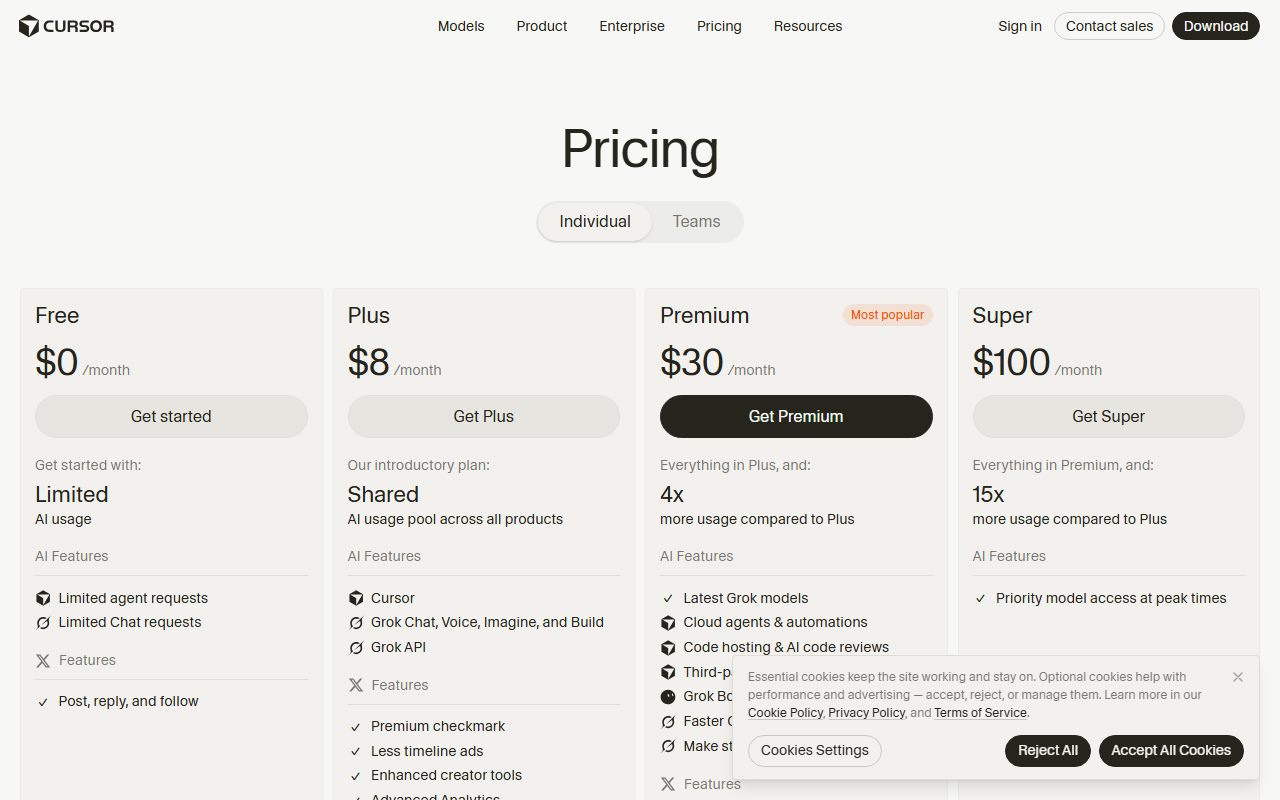
Two products whose meters are implicated here have their own subject pages: GitHub Copilot and Cursor.
Overage is the part of a pricing page written for the vendor's finance team rather than yours. It is also the only part that can change your bill without anyone choosing to.
Sources, read against the live page markup on October 25, 2026: Zapier Zap limits and pay-per-task billing; GitHub Copilot plans and GitHub budgets documentation; Vercel Spend Management and Pro plan pages.
Sources
- Zap limits, Zapier Help (runs held not lost, replay from Zap History, pay-per-task or upgrade) - checked October 25, 2026
- How pay-per-task billing works in Zapier (enabled by default after January 2024, rate only in Billing settings, ceiling of 3 times the plan task limit, Professional 750 example of 2,250) - checked October 25, 2026
- Plans for GitHub Copilot, GitHub Docs (Copilot Business $19 for 1,900 AI credits, Copilot Enterprise $39 for 3,900, $0.01 per AI credit beyond the pool, completions unlimited on paid plans) - checked October 25, 2026
- Setting up budgets to control spending on metered products, GitHub Docs (budgets do not stop usage unless the option is selected, user-level budgets always hard stop, alert thresholds 75/90/100 per cent) - checked October 25, 2026
- Spend Management, Vercel Docs (a spend amount does not stop usage on its own, checks every few minutes, pausing production deployments, alerts at 50/75/100 per cent, scope excludes seats and add-ons) - checked October 25, 2026